Fix pink material
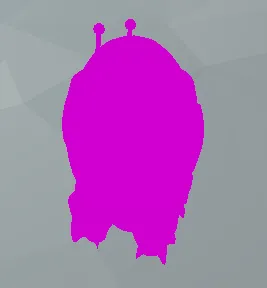
If you downloaded an asset pack and the models/materials look like this
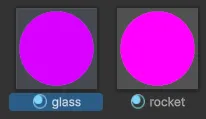
Most likely, the asset pack was originally created for the Built-in Render Pipeline, even though our projects use URP (Universal Render Pipeline).
https://docs.unity3d.com/6000.1/Documentation/Manual/render-pipelines-feature-comparison.html
You have two options to fix this:
Upgrader included by the creator of the asset pack
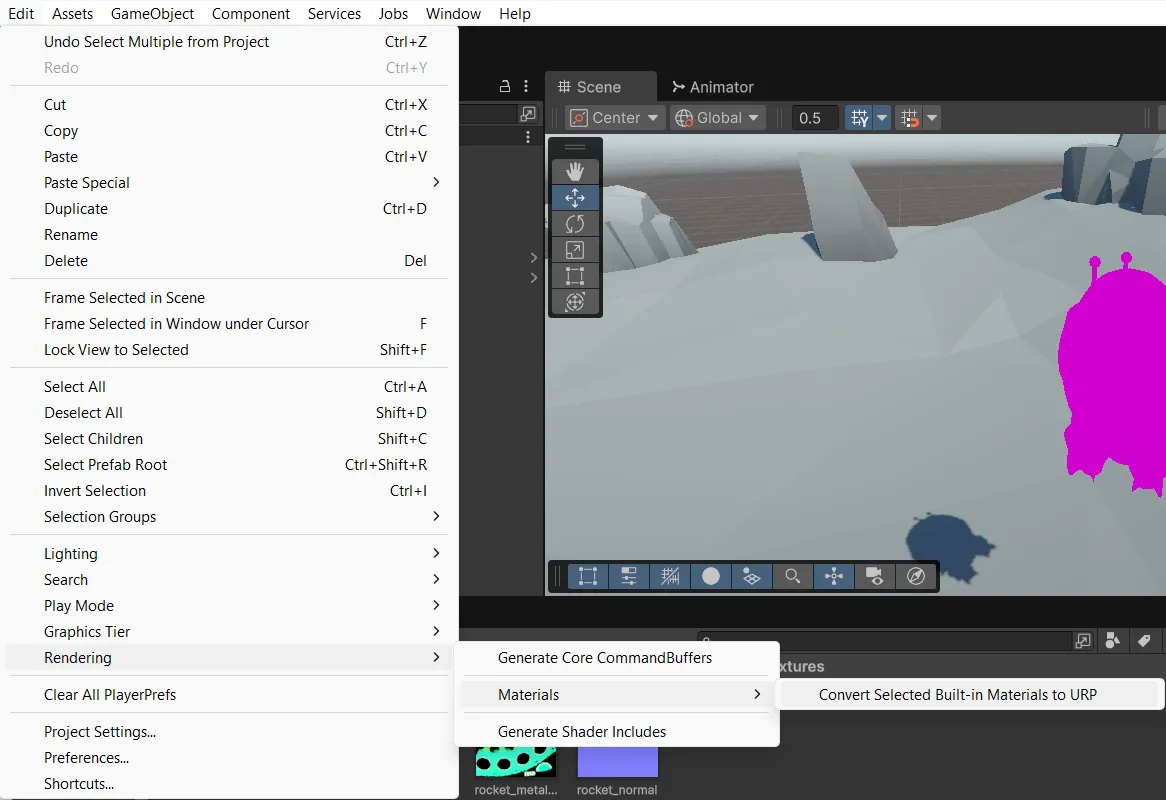
If the creator of the asset pack included an upgrader (converter) from the Built-in Render Pipeline to URP, you can easily convert all materials.
- Select all the “broken” materials.
- Go to Edit → Rendering → Materials → Convert Selected Built-in Materials to URP.
Upgrader IS NOT included by the creator of the asset pack
If the upgrader isn’t included, but textures are available in the asset pack
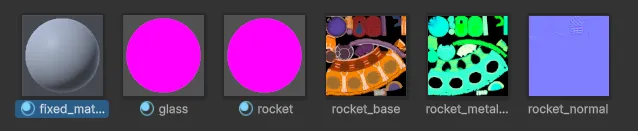
You can easily re-create material from scratch:
- Create a new material.
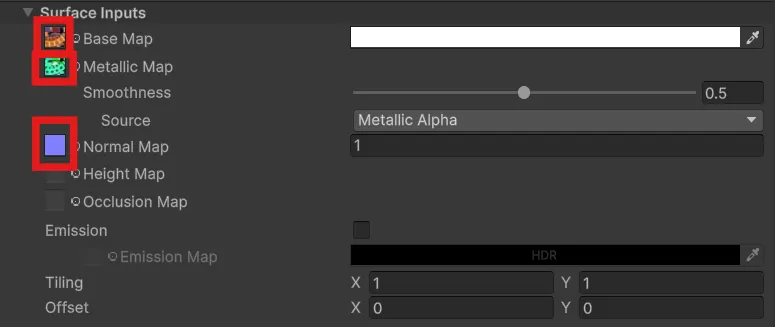
- Assign the main texture into the Base Map field.
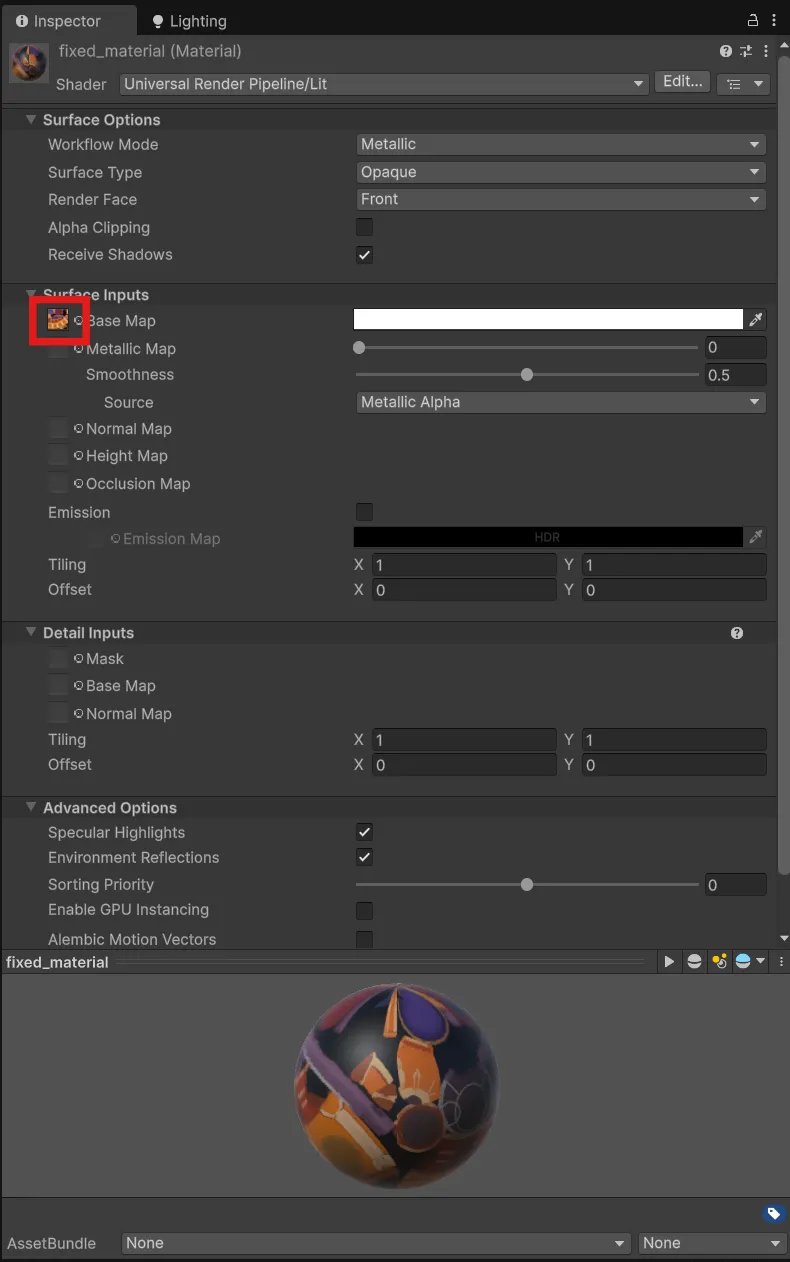
Warning: The only disadvantage of using this method, is that if 3D model has multiple parts, you’ll need to assign the material to each part manually.
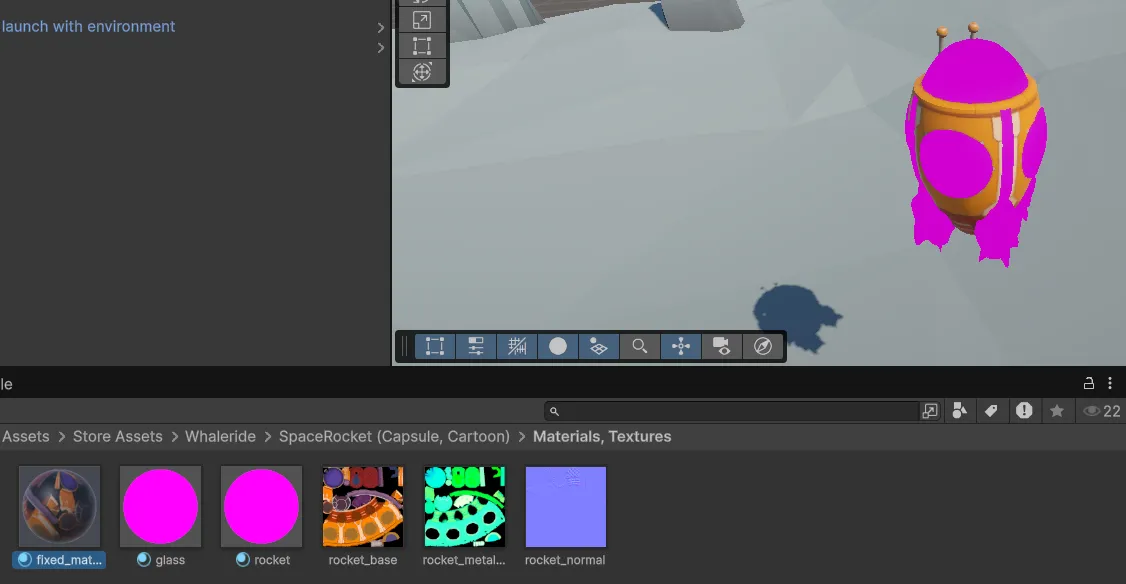
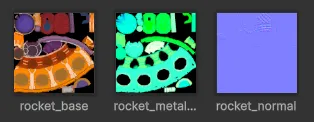
Tip: Sometimes you might also get additional maps, like a metallic map for reflections or a normal map for depth effects.
https://www.adobe.com/products/substance3d/discover/normal-mapping.html#
Make sure to assign them to the corresponding fields in the material settings